



What Does YouTube Know About You? How Google Tracks Your Viewing Activity

Share
What YouTube Knows About You
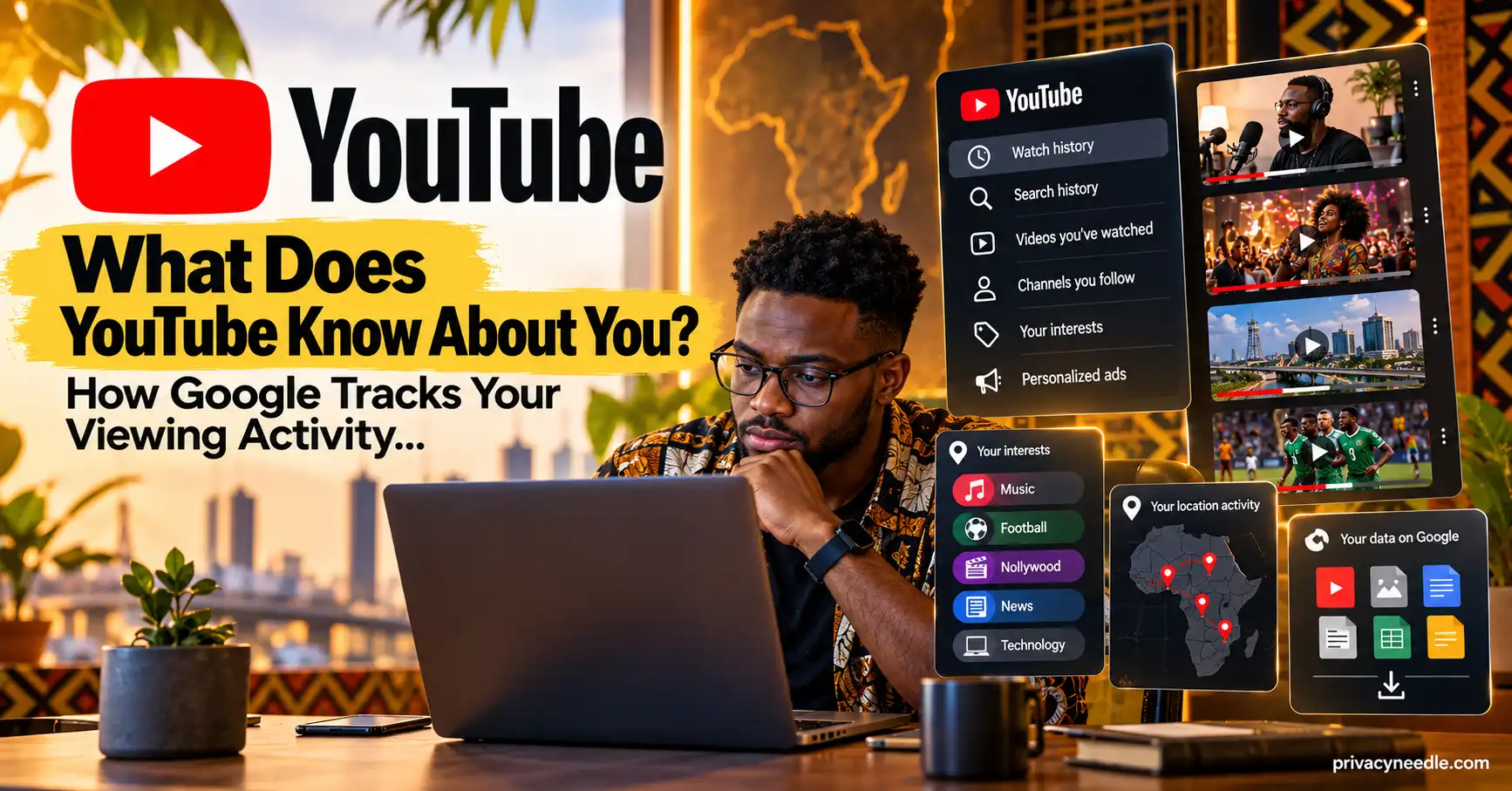
Every video you watch on YouTube can tell a story about your interests.
Watch a few technology videos and YouTube may learn that technology is relevant to you. Search repeatedly for a particular topic and that search activity can influence future recommendations. Subscribe to channels, like videos or tell YouTube that you are not interested in something, and those actions can also become signals for personalization.
Because YouTube is part of your Google Account, some of this activity can be connected to the broader activity associated with that account.
So, what does YouTube know about you?
Potentially, YouTube can have access to information about your viewing and search activity, subscriptions, interactions, playlists, comments and other account-related activity, depending on what features you use and which settings you have enabled.
Google says YouTube uses information linked to your account to improve your experience, including recommendations and search results. It also says YouTube activity and information can be used to personalize ads on YouTube and other Google services.
This makes YouTube an important part of understanding the bigger question explored in our guide to what Google knows about you.
Table of Contents
- What Information Does YouTube Collect?
- Your YouTube Watch History
- Your YouTube Search History
- Your Recommendations Reveal Your Interests
- Your Likes, Dislikes and Subscriptions
- Your Comments and Public YouTube Activity
- Your Playlists and Saved Content
- Can YouTube Know What You Watch?
- Does YouTube Use Your Activity for Advertising?
- What Happens When You Use YouTube Incognito?
- What Happens When You Pause YouTube History?
- How to See What YouTube Knows About You
- How to Delete Your YouTube History
- How to Automatically Delete YouTube Activity
- How Google Takeout Can Help You Audit Your YouTube Data
- What Deleting YouTube History Does Not Mean
- How to Reduce the Amount of YouTube Data Saved
- Frequently Asked Questions
- Final Takeaway
What Information Does YouTube Collect?
The amount of information associated with your YouTube use depends on how you use the service and which Google Account and privacy settings are involved.
YouTube’s own privacy documentation explains that activity linked to your account can be used to improve your experience, including helping YouTube remember what you watched and provide more relevant recommendations and search results.
Depending on your use of YouTube, relevant information can include:
- Videos you watch
- Searches you perform on YouTube
- Channels you subscribe to
- Videos you like
- Videos you dislike
- “Not interested” feedback
- Comments you post
- Playlists you create or use
- Videos you upload
- Watch Later activity
- Other interactions with YouTube
- Information associated with your Google Account
- Certain device, app or usage information
Not every piece of information is necessarily stored in the same place or used in exactly the same way.
This distinction matters.
For example, deleting your YouTube watch history does not mean every piece of information associated with your Google Account has been deleted.
Google explains that different products can store data in different places, while My Activity provides a central way to review much of your saved activity.
That is why YouTube privacy should be considered as part of your broader Google privacy footprint.
Your YouTube Watch History
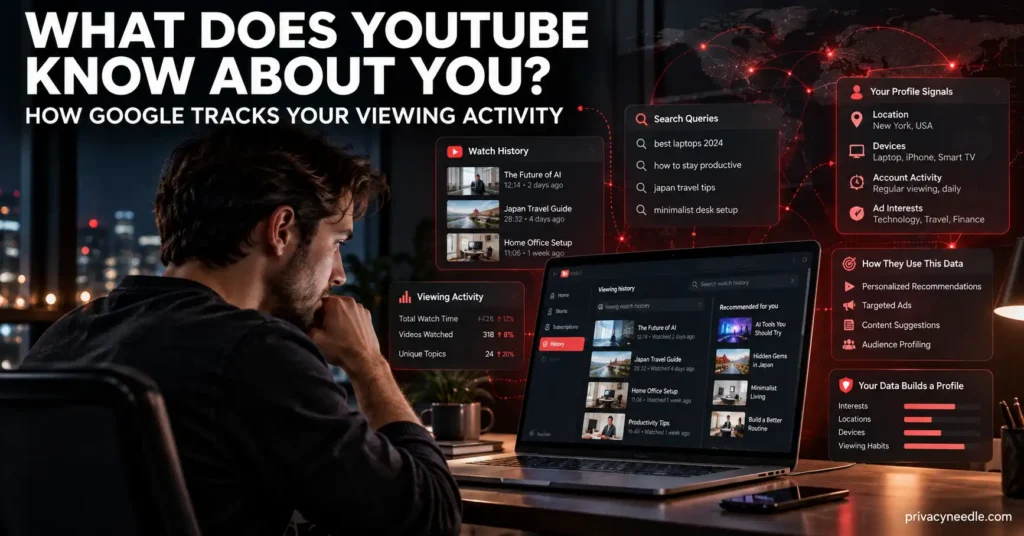
Your watch history is one of the clearest records of your activity on YouTube.
When watch history is enabled, YouTube can record videos you watch and use that information to provide features such as easier access to recently watched videos and more relevant recommendations.
For example, imagine someone regularly watches:
- Smartphone reviews
- Cybersecurity tutorials
- Programming courses
- Investment videos
- Football analysis
- Travel videos
Over time, that viewing history can provide a detailed picture of the person’s interests.
It does not necessarily mean YouTube knows exactly why someone watched each video.
But the pattern of viewing can become useful for personalization.
This is one reason your YouTube history deserves attention if you are trying to understand what Google knows about you.
It also connects directly to your broader Google activity. Google says activity from services including YouTube can be saved in your Google Account depending on your settings.
If you are already concerned about how long Google keeps your search history, YouTube history deserves the same review.
Your YouTube Search History
Your YouTube searches can reveal information that your watch history does not.
A watched video tells YouTube what you consumed.
A search can reveal what you were actively looking for.
For example, a person might search for:
- How to secure a Gmail account
- Symptoms of a particular condition
- How to invest money
- How to migrate to another country
- How to fix a computer
- How to start a business
- How to learn Python
These searches can provide signals about current interests and information needs.
YouTube confirms that search history can influence recommendations. Deleted searches no longer influence recommendations, and searches performed while search history is paused are not saved to that history.
YouTube also currently provides automatic deletion options for search history of 3, 18 or 36 months.
This is particularly important if you have used YouTube for years without checking your activity settings.
Your history may contain thousands of searches that you have completely forgotten.
Your Recommendations Reveal Your Interests
One of the most visible ways YouTube uses your activity is through recommendations.
The YouTube recommendation system uses signals including watch history, search history, channel subscriptions, likes, dislikes and “Not interested” feedback.
This means your YouTube homepage is not necessarily the same as another person’s homepage.
Two people can open YouTube at the same time and receive very different recommendations.
Your activity helps shape what you see.
Why this matters for privacy
Recommendations can sometimes reveal patterns about your interests.
If someone else gains access to your YouTube account, they may be able to infer some of your interests simply by looking at:
- Your watch history
- Your subscriptions
- Your playlists
- Your recommendations
- Your search history
That makes account security important.
It also connects to the wider question of what Google knows about you.
YouTube is only one part of the overall profile that can be created from activity across Google’s services.
Your Likes, Dislikes and Subscriptions
Your interactions with videos can also affect personalization.
According to YouTube, subscriptions, likes, dislikes and “Not interested” feedback can all provide recommendation signals.
Consider the difference between simply watching one video and repeatedly interacting with a particular type of content.
A single video view may provide limited context.
Repeated viewing combined with searches, subscriptions and other interactions can provide stronger signals about the types of content you engage with.
This does not mean YouTube can perfectly understand your intentions.
Instead, these activities are signals used by recommendation systems to predict what you may want to see next.
Your Comments and Public YouTube Activity
Not everything about YouTube privacy concerns information that is hidden inside your Google Account.
Some activity can become visible to other people.
If you comment on a public YouTube video, that comment may be visible to other users depending on the video’s settings.
If you operate a YouTube channel, your channel can also contain publicly accessible information such as uploaded videos, comments and other content.
YouTube’s account documentation explains that users can like videos, subscribe to channels, save content and comment, while creating a channel enables users to upload videos, comment and create playlists.
This creates two separate privacy questions:
What does Google know about me?
And:
What can other people see about me?
They are not the same thing.
You should review both.
YouTube’s Your Data in YouTube feature provides controls and information related to video privacy, playlist privacy, subscription privacy, purchased videos and comments.
Your Playlists and Saved Content
Playlists can also reveal interests.
A playlist containing programming tutorials suggests a different interest from one containing travel videos or financial education.
Some playlists may be private, while others can be shared or publicly accessible depending on their settings.
This means you should not only review your watch history.
Review your playlists as well.
If you have used YouTube for years, you may have created public or shared playlists that you no longer remember.
Your Data in YouTube provides controls for playlist privacy and other account-related YouTube settings.
Can YouTube Know What You Watch?
Yes, when your YouTube activity is being saved, your watch history can record videos you watch.
YouTube provides controls allowing you to view, delete or turn off watch history.
However, this needs an important qualification.
YouTube history is not necessarily a complete record of every interaction you have ever had with YouTube.
Different types of data can be handled differently, and some information can exist outside the specific history you are viewing.
Google explains that some activity and content are stored in different Google products and that My Activity does not contain everything stored by products such as Gmail, Drive or Photos.
Therefore, clearing YouTube watch history should not be interpreted as deleting your entire Google data footprint.
Does YouTube Use Your Activity for Advertising?
YouTube says information and activity linked to your account can be used to personalize ads within YouTube and other Google services.
This is different from saying that every video you watch directly becomes an advertisement.
Advertising systems can use multiple signals and settings.
Your YouTube activity is therefore one part of the broader personalization environment.
If you are researching whether Google tracks everything you search, it is useful to understand that Google personalization does not depend on Google Search alone.
Your activity across different services can contribute to a broader personalized experience.
What Happens When You Use YouTube Incognito?
YouTube provides an Incognito mode that can prevent your session from being associated with your account’s watch and search history in the usual way.
YouTube specifically states that when you browse in Incognito mode, your search history is not saved.
However, Incognito should not be confused with complete anonymity.
This is the same distinction explained in our guide to whether Incognito Mode really protects your privacy.
Private browsing primarily changes what is stored locally and what is associated with the signed-in browsing session.
It does not automatically make you invisible to websites, networks, internet service providers or other parties that may observe network activity.
What Happens When You Pause YouTube History?
YouTube allows you to pause watch history.
When watch history is turned off, videos you watch while it is paused do not appear in your watch history. YouTube also explains that activity excluded from watch history will not be used in the same way for future recommendations based on that history.
You can also control whether YouTube searches are included in your saved history.
This can be useful when you do not want temporary research to become part of your longer-term recommendation profile.
For example, you might be researching a topic for someone else and do not want dozens of related videos to influence your normal recommendations.
How to See What YouTube Knows About You
You do not have to guess.
You can inspect much of your YouTube activity through Google’s activity controls.
Step 1: Open YouTube
Sign in to the Google Account you use with YouTube.
Step 2: Open Your Data in YouTube
YouTube provides a Your Data in YouTube section where you can review information and controls related to your YouTube activity and content.
Step 3: Check YouTube History
Google’s My Activity service lets you view and filter activity, including videos watched and other activity saved to your account.
Step 4: Review your subscriptions
Look for channels you no longer recognize or want associated with your account.
Step 5: Review your playlists
Check whether playlists are private, public or otherwise shared according to your preferences.
Step 6: Review your comments
Look for old comments you no longer want publicly associated with your account.
Step 7: Review your Google Account activity
Do not stop with YouTube.
Google My Activity can also contain activity from other Google services, depending on your settings.
This is where your YouTube audit connects with your wider Google privacy guide.
How to Delete Your YouTube History
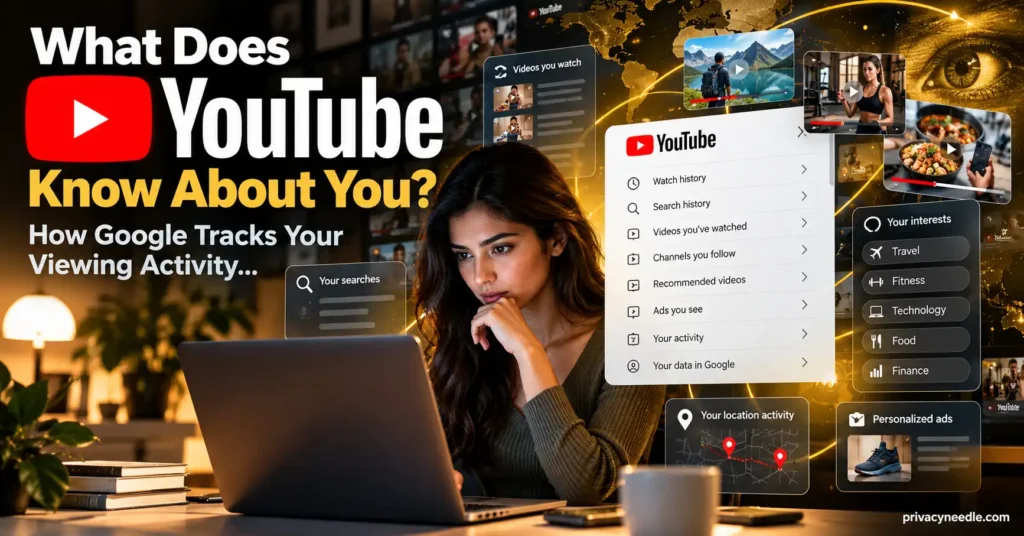
YouTube lets you delete individual history entries or larger sections of your history.
According to YouTube, you can manage watch history through My Activity, search for specific activity and delete selected history.
You can also delete YouTube search history.
One important detail is that deleting a selected time period can affect both watch and search history for that period, depending on the action you perform.
A practical cleanup process
If you want to reduce your historical YouTube footprint:
- Open Google My Activity.
- Filter activity by YouTube.
- Review older activity.
- Delete activity you no longer need.
- Review YouTube search history.
- Review watch history.
- Review subscriptions.
- Review playlists.
- Review comments.
- Check your YouTube privacy settings.
Do not assume that deleting one category removes everything connected to your YouTube account.
How to Automatically Delete YouTube Activity
Automatic deletion can reduce how much historical activity remains in your account.
YouTube currently documents automatic deletion options for YouTube search history of:
- 3 months
- 18 months
- 36 months
- No automatic deletion
YouTube’s watch-history controls also provide automatic deletion management through My Activity.
Automatic deletion does not mean YouTube immediately stops collecting activity.
It means older saved activity can be automatically removed according to the selected setting.
This distinction is important.
If your goal is to reduce the amount of historical data retained in your account, automatic deletion can be part of a broader privacy strategy.
How Google Takeout Can Help You Audit Your YouTube Data
If you want a deeper look at your Google data, Google Takeout is useful.
Google allows users to export data from products they use, including YouTube data.
That makes our guide to Google Takeout and downloading your Google data an important companion to this article.
A privacy audit can follow this process:
YouTube activity → Google Takeout → review exported data → identify unnecessary information → adjust privacy settings → delete unwanted activity
Takeout has one critical limitation.
Downloading your data does not delete it from Google’s servers. Google explicitly states that downloading your data does not remove the original data.
So Takeout should be viewed as an export and audit tool, not a deletion tool.
What Deleting YouTube History Does Not Mean
Deleting YouTube history can reduce the activity saved in your account, but it does not mean every trace of your interaction with Google disappears.
Google explains that different products can store different types of information and that some content is managed directly inside individual Google products.
For example, deleting YouTube history does not automatically:
- Delete your entire Google Account
- Delete your Gmail
- Delete your Google Photos
- Delete your Google Drive files
- Delete your Google Maps Timeline
- Delete every piece of Google activity
- Remove public comments automatically in every situation
- Make you anonymous online
This is why privacy cleanup should be treated as a process rather than one button.
If you are also concerned about location information, see our guide on how to stop Google from tracking your location.
Google activity can exist across multiple services.
How to Reduce the Amount of YouTube Data Saved
You do not necessarily need to stop using YouTube to improve your privacy.
Instead, review the settings that determine what activity is saved.
1. Review YouTube watch history
Delete old activity you no longer need and consider whether you want your future viewing history saved.
2. Review YouTube search history
Search history can influence recommendations, so periodically review and remove searches you do not want retained.
3. Consider automatic deletion
Use the available automatic deletion controls if you do not need years of historical activity.
4. Review subscriptions
Remove subscriptions you no longer use.
5. Review playlists
Check whether playlists contain information you would rather keep private.
6. Review comments
Old comments can remain publicly associated with your YouTube activity.
7. Review advertising personalization
Check Google’s advertising and personalization controls if you want to understand how your activity is used for personalized advertising.
8. Secure your Google Account
A strong password, two-step verification and careful management of account access are important because your YouTube activity can be part of your wider Google Account.
9. Review other Google services
Your YouTube activity is only one part of the picture.
Your broader Google footprint can include Search, Chrome, Maps, Gmail, Photos, Drive and other services.
For example, our article on what Chrome knows about you while you browse examines another major part of that footprint.
YouTube Privacy Is Connected to Your Wider Google Profile
The biggest mistake is to look at YouTube in isolation.
Your YouTube activity can exist alongside other Google activity.
Consider the combined picture:
Google Search can reveal what you are researching.
Chrome can reveal browsing activity associated with your browser and account settings.
Google Maps can provide location-related information.
Gmail contains communications and associated account data.
YouTube can reveal what you watch, search for and interact with.
Together, these services can create a much broader picture than any single service provides.
That is why our complete guide to what Google knows about you serves as the pillar for this entire privacy series.
You can also explore:
- Is Google Really Tracking Everything You Search?
- How Long Does Google Keep Your Search History?
- Does Incognito Mode Really Protect Your Privacy?
- What Does Google Chrome Know About You While You Browse?
- Google Maps Location History: What Google Knows About Where You Go
- How to Stop Google From Tracking Your Location
- Can Google Read Your Emails?
- What Happens to Your Gmail Data When You Delete Your Account?
- Google Takeout Explained
Frequently Asked Questions
Does YouTube track what I watch?
When YouTube watch history is enabled, videos you watch can be saved to your YouTube history and used to improve recommendations and other parts of your experience.
Does YouTube save my searches?
YouTube can save searches to your YouTube history when that activity is enabled. You can view, delete, pause or configure automatic deletion of your search history.
Can I delete my YouTube watch history?
Yes. YouTube provides controls for deleting individual items or larger portions of watch history.
Can I stop YouTube from saving my history?
Yes. YouTube provides controls for turning watch history off and controlling whether searches are included in saved YouTube history.
Does deleting YouTube history delete my Google Account?
No. Deleting YouTube history is not the same as deleting your Google Account.
Does Google Takeout delete my YouTube data?
No. Google explicitly states that downloading your data through Takeout does not delete it from Google’s servers.
Can YouTube recommendations be affected when I delete history?
Yes. YouTube says deleted watch and search activity will no longer influence recommendations in the same way.
Does YouTube Incognito save search history?
YouTube states that searches made while browsing in Incognito mode are not saved to your search history.
Can other people see my YouTube history?
Your private watch and search history is different from public activity such as comments, public playlists or channel content. YouTube provides privacy controls for several types of content and activity.
Is YouTube activity part of my Google Account?
For signed-in users, YouTube activity can be saved in the Google Account according to the user’s activity settings. Google My Activity can be used to review and manage saved activity.
Final Takeaway
So, what does YouTube know about you?
Depending on your account and settings, YouTube can have a detailed record of your interactions with the platform, including videos watched, searches, subscriptions, likes, dislikes and other activity.
That information can help personalize recommendations and other aspects of your YouTube experience. YouTube also says account-linked information can be used to personalize ads within YouTube and other Google services.
The important point is that you have controls.
You can inspect your YouTube activity, delete history, pause history and configure automatic deletion. You can also use Google Takeout to export available data and conduct a broader privacy audit.
But YouTube is only one part of the Google ecosystem.
If you want to understand the full picture, start with What Does Google Know About You? and then examine your Search, Chrome, Maps, Location, Gmail and YouTube activity separately.
The more services you use, the more important it becomes to understand what information is being saved, why it is being used and which controls are available to you.
Official Google Sources
- YouTube Help: View, delete, or turn on or off watch history
- YouTube Help: View or delete your YouTube search history
- YouTube Help: How YouTube recommendations work
- YouTube Help: Your Data in YouTube
- Google Account Help: Manage your Google data with My Activity
- Google Account Help: How to download your Google data
















Leave a Reply