

The Data Privacy Questions Students Should Ask Before Online Exams

Share
The Hidden Surveillance Inside Your Exam Room
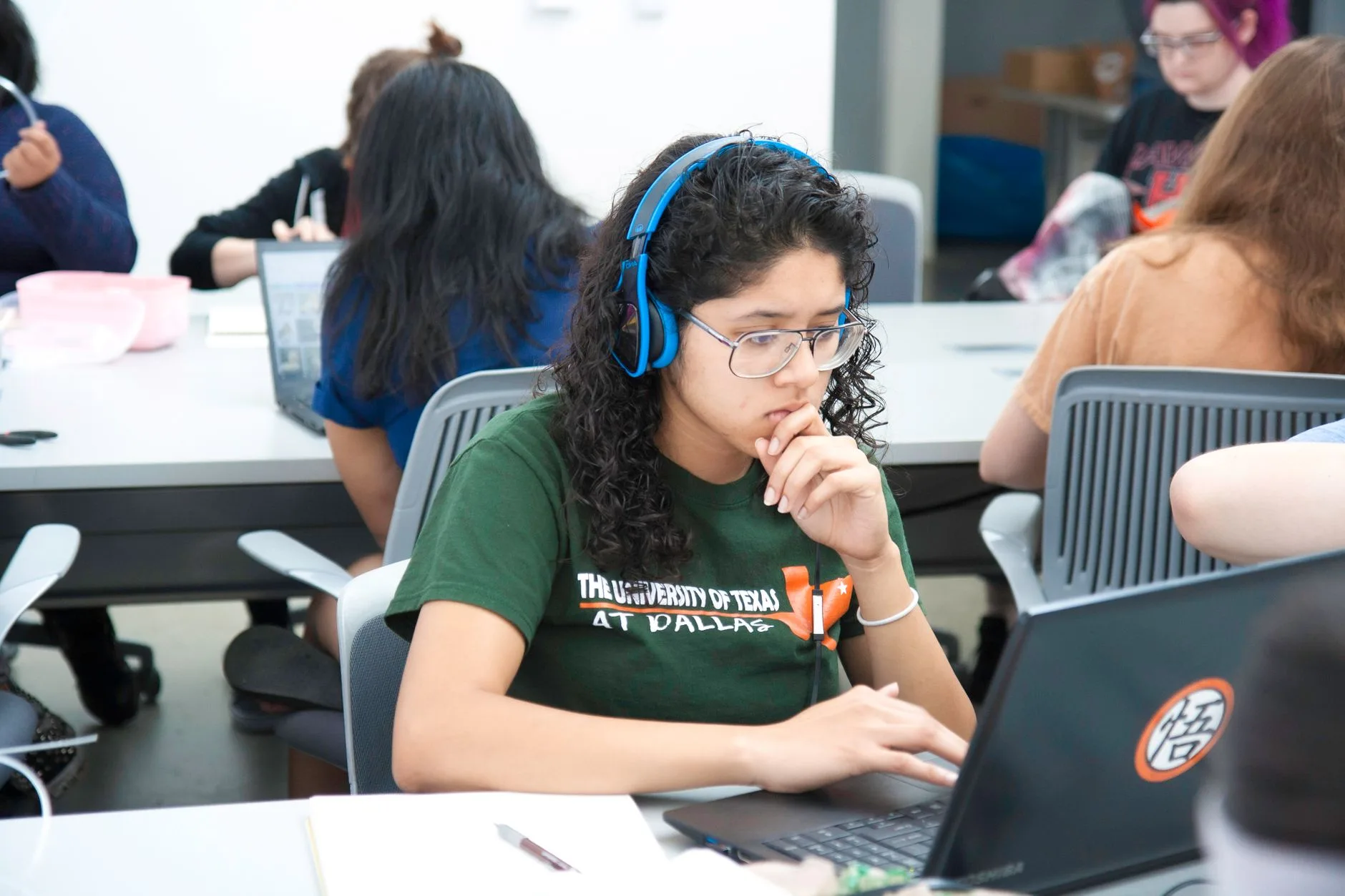
Picture this: It is midnight in a bustling student apartment in Lagos or a quiet dorm room in London. You are preparing for a high-stakes professional certification test or university final. Before you can answer a single question, a remote application demands full control over your device, demands access to your webcam, tracks your eye movements, and records your room audio. For millions of students worldwide, remote proctoring software has become a standard gateway to academic progression. Yet, beneath the promise of academic integrity lies a massive data collection apparatus.
Edtech platforms and educational institutions gather biometric templates, keystroke dynamics, browsing histories, and continuous video feeds. When evaluating these digital gatekeepers, asking the right questions students ask online exams becomes essential for protecting personal data and understanding digital rights. Knowing what happens to your sensitive information is just as important as studying the syllabus.
What Happens to Your Biometric and Video Data?
The most pressing issue with remote proctoring is the collection of biometric data. Many proctoring algorithms use facial recognition to verify identity and flag suspicious behavior. According to civil liberties organizations like the Electronic Frontier Foundation, automated behavioral tracking often misinterprets normal human movements, such as looking away to think or stretching, as cheating flags.
More importantly, students rarely know where this footage goes. Is it stored on a local server, uploaded to a third-party cloud provider overseas, or retained indefinitely to train artificial intelligence models? Under modern regulations like the European Union General Data Protection Regulation (GDPR) and the Nigeria Data Protection Act (NDPA), individuals have a right to know how their data is processed, who has access to it, and when it will be permanently deleted.
Essential Checklist: Questions Students Should Ask Before Online Exams
Before installing any proctoring extension or launching a secure testing browser, take a moment to review the privacy policy and ask your institution these four critical questions:
- What specific data points are being recorded? Find out if the software tracks only your webcam or records your entire desktop, active applications, microphone audio, and home network details.
- Who owns and stores the recorded footage? Determine whether your university holds the data or if a private vendor stores your biometric profile on foreign servers.
- How long is the data retained? Clarify whether exam recordings are deleted immediately after grading or archived for years.
- Can I opt out for an alternative? Ask if the institution provides privacy-respecting alternatives, such as in-person testing or live human proctors who do not rely on automated AI surveillance.
Comparing Proctoring Methods and Privacy Risks
Not all examination monitoring methods carry the same level of digital risk. Understanding the differences helps students navigate institutional requirements with confidence.
| Monitoring Type | Data Collected | Primary Privacy Risk |
|---|---|---|
| In-Person Testing | Visual observation | Minimal digital footprint |
| Live Human Proctoring | Webcam feed during test | Temporary video observation |
| Automated AI Proctoring | Biometrics, desktop activity, audio | Long-term data retention, algorithmic bias |
The Broader Impact on Compliance and Digital Trust
Privacy professionals and educational technologists often clash over the balance between preventing academic dishonesty and respecting privacy rights. When universities rush to adopt AI-driven monitoring tools without proper data protection impact assessments, they expose themselves to regulatory scrutiny and erode student trust. Compliance teams must realize that student data is highly sensitive, often including minors or individuals protected by strict statutory frameworks.
As data protection standards evolve globally, academic institutions are increasingly viewed as data controllers accountable for the third-party vendors they hire. If a proctoring vendor suffers a data leak exposing student facial scans and ID documents, the reputational and legal fallout lands squarely on the school.
Practical Steps for Protecting Your Digital Identity
Students do not have to remain powerless in the face of invasive software. By taking proactive security measures, you can minimize your digital exposure during remote assessments:
- Use a sandbox or isolated user account: Install proctoring extensions on a secondary browser profile or a dedicated guest user account to prevent software from accessing your personal files, passwords, and browsing history.
- Revoke permissions immediately: Once your exam is completed and submitted, uninstall browser extensions and revoke webcam and microphone permissions in your operating system settings.
- Review the privacy policy: Do not just click accept. Look for clauses regarding data sharing with third-party advertisers or law enforcement agencies.
- Report overreach: If an exam tool requests administrative access to your entire operating system or demands intrusive permissions unrelated to testing, notify your department’s compliance or IT support desk.
Frequently Asked Questions
Can my school legally force me to use AI proctoring software?
While institutions have the authority to set testing standards, they must still comply with applicable data protection laws. Many jurisdictions require schools to provide transparent notice and, where feasible, privacy-safe alternatives.
Does remote proctoring software steal my personal files?
Most reputable tools do not intentionally steal files, but poorly coded extensions or overly broad permissions can expose local data, browsing histories, and saved credentials to security vulnerabilities.
Conclusion
Online education offers unprecedented flexibility, but it should not come at the cost of personal privacy and data ownership. By asking the right questions students ask online exams, learners can hold educational institutions accountable and demand secure, transparent digital testing environments. Protecting your personal data today ensures that convenience never outweighs your fundamental right to digital privacy.













Leave a Reply