Before handing over your phone for repair, protect the accounts inside it

Share
Published
A phone repair is also an account-access decision. Before handing over a device, check your backup, the accounts that depend on it and the manufacturer’s instructions for protecting personal information during service.
A cracked screen creates urgency. It can also make ordinary preparation difficult: you may be unable to approve a sign-in, read a recovery message or confirm that a recent backup finished. That is why a repair plan starts before the phone reaches the counter.
Work out what you would lose access to
Identify the services that use the phone for authentication. Include your main email, password store, work account and any essential financial services. Check whether a supported fallback is available from another trusted device.
Do not assume that owning another handset is enough. The alternative needs the relevant account access or a recovery method already configured. The family account-recovery guide explains how to identify a circular dependency before it becomes a lockout.
Check the backup before erasing anything
Follow the device maker’s current backup guidance and confirm the latest usable copy. Consider which information is synchronised separately and what the backup actually contains. A file visible in an app is not automatically evidence that it is included in a device backup.
If the phone is unresponsive, do the preparation that remains possible through the manufacturer’s supported tools. Tell the service provider what you could not complete. Avoid promising yourself that a technician can preserve data regardless of the fault or repair required.
Use the manufacturer’s privacy route
Apple’s service-preparation guidance tells customers not to give their Apple Account password, device passcode or account security details to another person. Where software support requires the customer to enter a credential, Apple says the customer should remain present.
Google describes Repair mode on eligible Pixel phones as a separate, limited environment for servicing the device. Its eligibility conditions include supported software and available storage. That is a Pixel-specific option, not a feature to assume every Android handset has.
These examples show why model-specific instructions matter. Search the official support route for the exact device and type of service. A screenshot from a different phone may describe controls that are unavailable or behave differently.
Ask what access is needed for the repair
A repair provider should be able to explain the diagnostic task, whether the device needs to be unlocked and what alternatives exist. Discuss the handling of personal information before handing over the phone.
Do not send account passwords through ordinary messaging to make the appointment easier. If you are unsure whether a requested step is legitimate, verify it through the provider’s established service channel.
For a work-managed device, involve the authorised administrator. The organisation may have a defined service process, backup arrangement or restriction on where the device can be repaired.
Record the handover without exposing secrets
Keep the service reference, provider contact, device description and the agreed work. Record any data-handling instructions that matter. The handover record should not contain a password or a photograph of a recovery-code sheet.
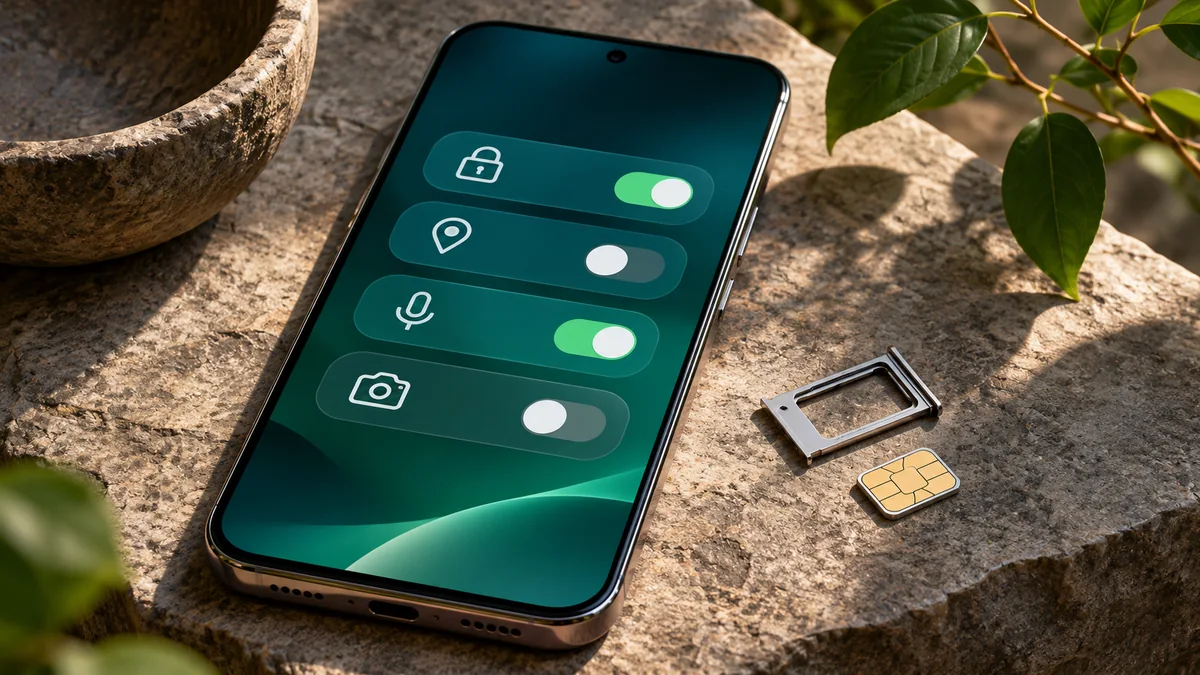
If a SIM or removable storage is involved, follow the manufacturer’s applicable preparation steps. Google’s Pixel guidance, for example, advises keeping the SIM before sending the device for repair. The appropriate handling may differ for another device or service arrangement.
Review access when the phone returns
Confirm that the agreed work is complete, restore through the supported process if necessary and check the account-security settings relevant to the service. If you have evidence that credentials were exposed, use the affected provider’s security process.
The sessions and linked-devices checklist can help structure a review of continuing access. Do not interpret every unfamiliar device label as proof of wrongdoing; check the activity and context supplied by the service.
What if there was no time to prepare?
Explain the situation to the provider and identify what remains possible. A broken device may limit your choices, but it is still useful to know the recovery route, approved contact and consequences of a proposed reset before authorising it.
Once access is restored, update the offline recovery sheet. The next repair or loss should not require discovering the same dependencies under pressure.
Featured image: AI-generated conceptual illustration.