How to review sessions and linked devices after losing a phone

Share
Published
After recovering an account following a lost phone, check the access that remains. A phone on an account’s device list, a browser session and a third-party application connection are related, but they are not interchangeable.
This checklist is the follow-through to the family account-recovery plan. If the account belongs to an employer, work through the authorised administrator. If financial access may be affected, use the provider’s official security or fraud-support route promptly.
Start from a trusted device
Open the provider’s official account-security page yourself. Avoid a recovery link sent by an unknown caller or a service promising paid access to an account. Google’s account-recovery help warns that it does not work with services claiming to provide account or password support.
If you use a borrowed device, follow the provider’s advice for doing so safely and sign out when finished. Do not save the recovered account’s password on somebody else’s computer.
Review sessions, not just device names
Google’s device-access guidance explains that an account can have sessions associated with browsers, apps or services. More than one session can appear under a device name. The name alone is not enough to establish who used it.
Check the information the provider supplies, such as recent activity and session details. A location estimate or an unfamiliar name needs interpretation; do not turn it into an accusation before checking the context.
Where the provider offers a sign-out control, use it for access that should end. Review all relevant sessions associated with the missing device. Keep a note of the action and time if you are also reporting suspected unauthorised access.
Check recovery methods separately
Review recovery email addresses, phone numbers, registered authentication methods and trusted devices through the account’s supported settings. Confirm that each belongs to the account holder and is still usable.
A password change is not a substitute for checking these settings. A forgotten recovery address may remain an important dependency even after a new phone is working.
Review linked applications and forwarding
Look for the provider’s connected-app or third-party-access section. Review what each connection is allowed to do and whether it is still needed. Removing a connection should follow the provider’s instructions; it does not establish that copies already exported by that service have disappeared.
For email, include forwarding and filtering rules in the review where the service exposes them. For messaging services, review their separate linked-device settings. Use the service’s own guidance rather than assuming the email account’s sign-out control also removes a messaging session.
Keep evidence and speculation apart
| Record | Useful wording |
|---|---|
| Observation | An unfamiliar session appeared in the provider’s list |
| Action | The owner used the supported sign-out control |
| Unresolved question | Whether the session belonged to an old browser |
| Follow-up | Review the relevant security notification and contact support if needed |
A clear record helps support staff understand what happened. Avoid posting screenshots of the security page publicly; those screenshots may expose account identifiers or recovery details.
Finish by checking the fallback
Confirm that the account holder still has a usable recovery route after removing old access. Update the offline recovery sheet if the arrangements changed. A successful sign-in on the replacement phone should be the start of a safer setup, not a reason to leave every old connection unexamined.
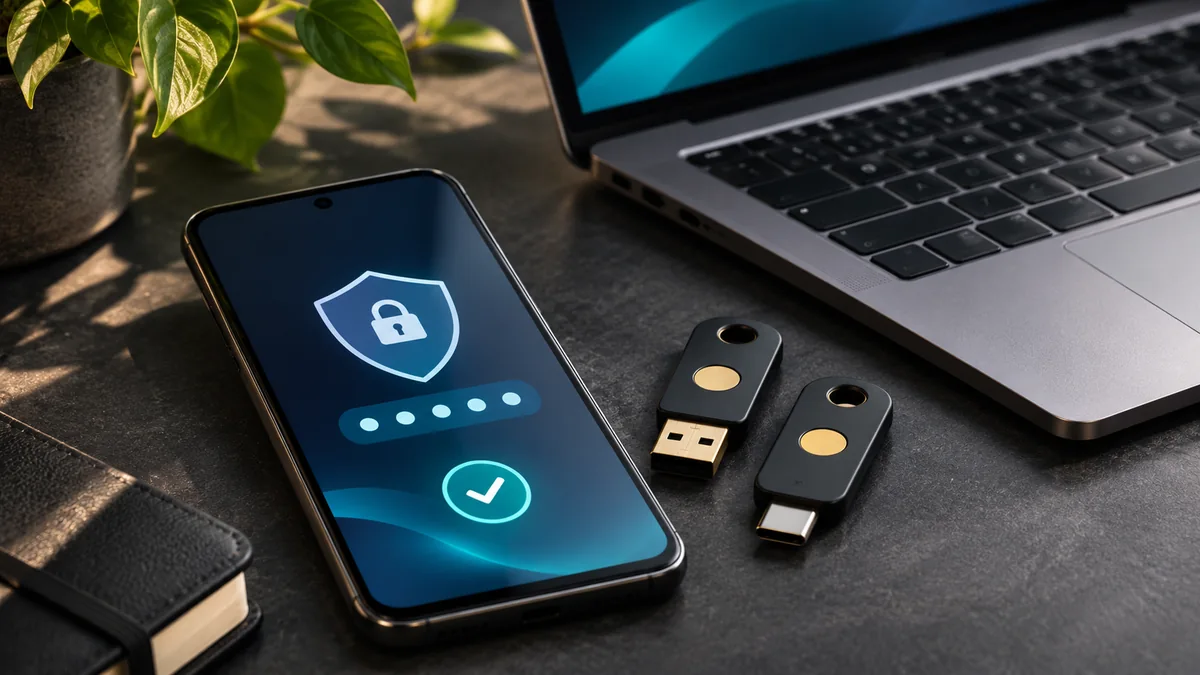
Featured image: AI-generated conceptual illustration.