How to build an offline account-recovery sheet without storing passwords

Share
Published
An offline account-recovery sheet should tell you where to start after losing a phone. It should not become an unprotected list of passwords, one-time codes and identity documents.
Use it alongside the family account-recovery plan. The sheet is a navigation aid: it identifies an account, its official recovery route and where the account holder keeps the separate material needed for that route.
Use account labels that make sense to the owner
“Main email for bills” may be more useful than a long technical service description. Record enough information to identify the account without placing unnecessary personal details on a page someone could lose.
Do not include full payment-card numbers, banking PINs, device passcodes or photographs of identity documents. If an account name itself is sensitive, consider whether it belongs on a broadly accessible household sheet.
| Field | Example entry |
|---|---|
| Account label | Main personal email |
| Official starting route | Provider’s account-recovery help page |
| Usual authentication | Approval on primary phone |
| Fallback already configured | Check the account’s registered alternative method |
| Where supporting material is kept | Location of a separately protected envelope or approved store |
| Person who may assist | Named helper, with the owner’s agreed limits |
| Last checked | Date the owner reviewed the route |
| Unresolved issue | Recovery email still depends on the same phone |
Keep the sheet and the secret distinct
A backup code can grant access. A statement that backup codes exist in a separately protected place does not provide the same immediate access. Treat those two kinds of information differently when deciding where the sheet can be stored and who can see it.
Google’s backup-code guidance explains their use when normal second-step verification is unavailable. It also describes creating a new set if codes are lost or suspected stolen. Follow the provider’s actual process; do not invent a reusable family code and assume it replaces a service’s recovery method.
Add a short lost-device contact list
Record how to reach the mobile provider, the employer’s authorised support team if relevant, and the official loss or fraud route for essential financial services. Verify the contact source while access is working. A contact copied from an old forwarded message may be wrong.
Record the source and check date next to each contact. Where an organisation directs customers to an official app or web form, describe that route accurately instead of adding an unverified phone number.
Make a helper’s limits visible
Write a practical instruction such as “Help locate the official page; the account holder enters credentials.” Do not use the sheet to give someone a permanent right to enter another person’s accounts.
If illness, disability or another circumstance requires a different arrangement, use the service’s supported process and any appropriate advice. An informal paper note cannot settle every authority or access question.
Review the sheet after a change
A new phone, SIM, email address or password manager can make an old fallback unusable. Cross out obsolete instructions and replace outdated copies of the sheet. Keep a record of where current copies are held, without circulating photographs through group chats.
During a rehearsal, ask whether the owner can locate the sheet and understand the first step without their main phone. Stop before consuming recovery material or changing security settings unnecessarily.
What happens after recovery?
Use the sessions and linked-devices review to check continuing access. Update the sheet if a recovery method was replaced, and confirm that the fallback remains independent of the device that caused the problem.
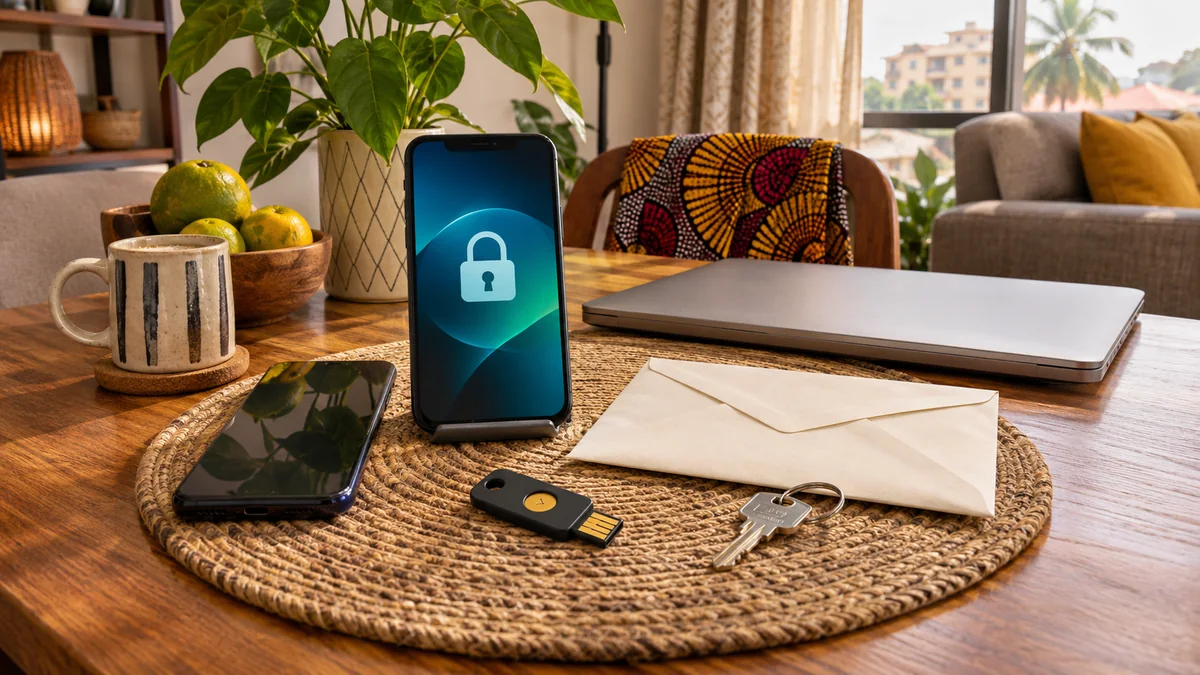
Featured image: AI-generated conceptual illustration.