

The ‘Who Is This?’ Screenshot That Exposes Someone Else’s Number

Share
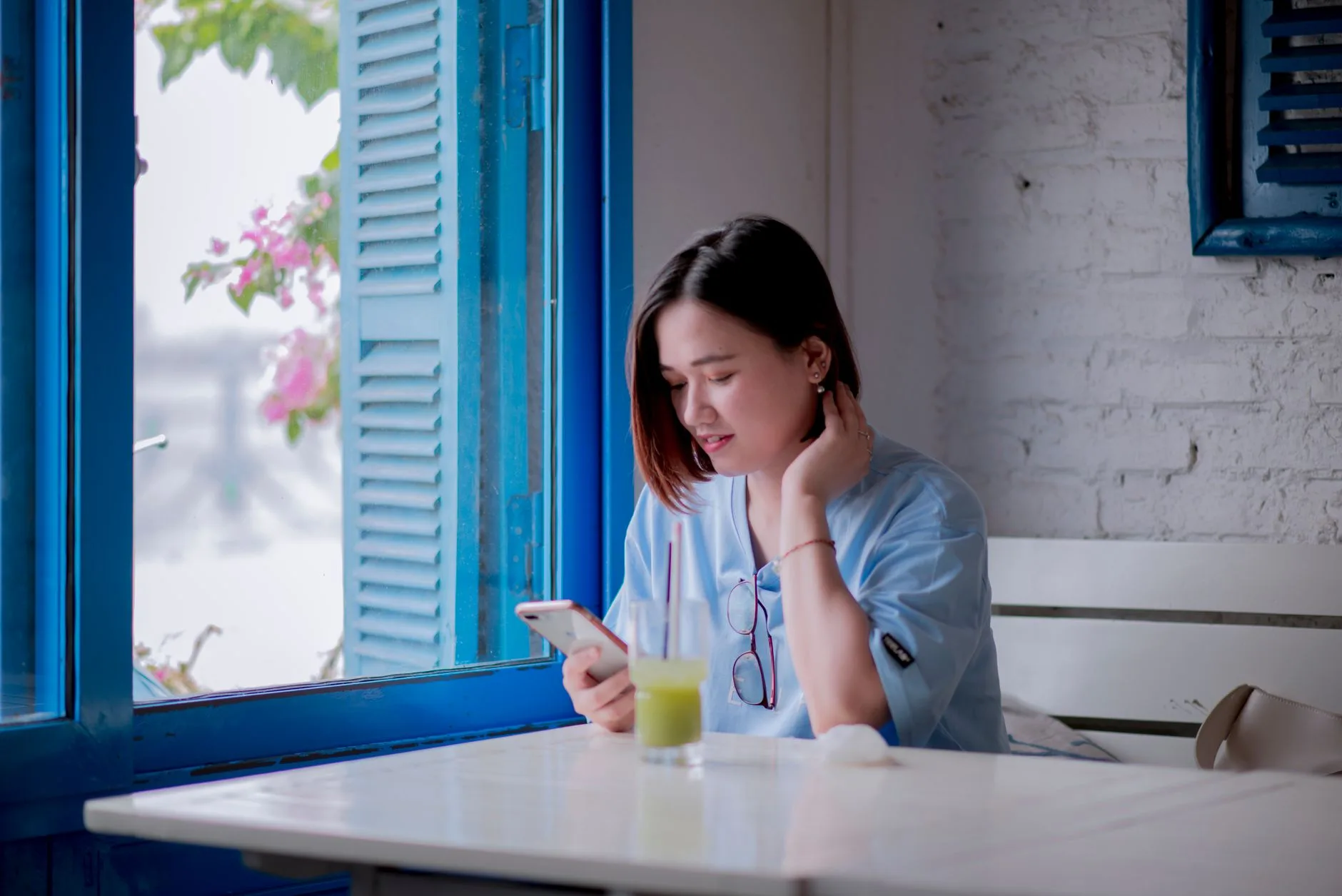
In the bustling WhatsApp groups of Lagos, London, or New York, a common scenario plays out daily: a stranger messages a group, or a mysterious number appears, prompting someone to snap a quick screenshot and ask, “Who is this?” It seems like a harmless way to identify a person, but that single action can lead to a significant privacy breach. When a screenshot exposes someone else number, it transforms a private contact detail into public information, often without the owner’s consent.
This isn’t just a minor social faux pas; it is a form of unintentional data disclosure. In an era where a phone number is often the primary key for identity, banking, and two-factor authentication, exposing it can have cascading consequences for the person whose number was leaked.
The Anatomy of an Accidental Leak
How does a simple screenshot become a privacy hazard? It usually happens through one of three common digital behaviors:
- The Contact Card Share: Someone shares a digital contact card to help identify a person, but the screenshot captures the full phone number, email, and perhaps even a home address visible in the contact details.
- The Chat Header Capture: A user screenshots a chat to show a conversation, failing to realize that the recipient’s phone number is clearly visible at the top of the screen because they are not saved in the sender’s contacts.
- The Group Member List: In an attempt to find out who has joined a large community group, a user screenshots the participant list, which in some applications can reveal numbers for non-contacts.
Understanding the fundamentals of data protection is crucial here. Data protection is not just about preventing massive database hacks; it is about the responsible handling of any piece of personally identifiable information (PII), including a simple mobile number.
Real-Life Scenario: The Abuja Business Blunder
Consider the case of Amina, a small business owner based in Abuja. A potential client messaged her via WhatsApp to inquire about bulk orders. To verify the client’s identity, Amina took a screenshot of the chat and posted it into her company’s staff WhatsApp group, asking, “Does anyone know this person? They seem very serious about an order.”
Amina didn’t realize that the client’s number was visible at the top of the screenshot. One of the staff members, thinking they were being helpful, shared that screenshot on their Instagram story to ask their own circle of friends. Within hours, the client began receiving unsolicited calls from strangers and, worse, targeted phishing messages claiming to be from Amina’s business. What started as an internal verification became a public exposure that damaged the client’s trust and Amina’s professional reputation.
The Risks: From Spam to Identity Theft
When a screenshot exposes someone else number, the risks move far beyond annoying spam calls. A phone number is a gateway. For attackers, a leaked number is the first piece of the puzzle in a larger social engineering attack.
| Risk Type | How it Happens | Potential Impact |
|---|---|---|
| Targeted Phishing | Attackers use the number to send highly convincing SMS or WhatsApp messages. | Financial loss through fraudulent links. |
| Social Engineering | Scammers call the person, pretending to be a bank or government official. | Unauthorized access to sensitive accounts. |
| SIM Swapping | Criminals use the number to impersonate the victim to mobile carriers. | Complete takeover of digital identity and banking. |
| Harassment | The number is shared in toxic online communities. | Mental distress and physical safety concerns. |
The Legal Dimension: Is it a Data Breach?
For individuals, the legal recourse for an accidental screenshot can be difficult to pursue. However, for businesses, the stakes are much higher. If an employee exposes a client’s number through a screenshot, the company may be held liable for failing to implement adequate data handling procedures.
Under frameworks like the Nigeria Data Protection Act (NDPA) and the GDPR, organizations are required to protect the personal data they process. The Nigeria Data Protection Commission (NDPC) emphasizes that data controllers must ensure that personal information is handled with confidentiality and integrity. An accidental screenshot in a corporate setting could be viewed as a failure in compliance with these regulatory obligations.
“Privacy is not an option, and it is no longer a luxury. It is a fundamental right that requires constant vigilance, even in our most casual digital interactions.”
How to Protect Yourself and Your Team
Preventing accidental exposure requires a mix of technical habits and digital mindfulness. Whether you are a business leader or an everyday user, adopt these practices:
For Individuals:
- Use the ‘Blur’ Tool: If you must share a screenshot for context, use your phone’s built-in photo editor to heavily blur or black out phone numbers, names, and profile pictures.
- Crop Aggressively: Instead of capturing the whole screen, crop the image to show only the specific text or detail you need to discuss.
- Check Your Settings: Review your privacy settings on WhatsApp, Telegram, and Signal. Limit who can see your profile photo and “last seen” status to reduce the amount of data visible to strangers.
For Businesses and Compliance Teams:
- Implement Data Handling Policies: Clearly state that client contact details must never be shared via unencrypted or casual channels like personal WhatsApp groups.
- Employee Training: Conduct regular digital literacy training. Employees need to understand that a “quick screenshot” can be a regulatory violation.
- Use Professional Tools: Encourage the use of Customer Relationship Management (CRM) tools rather than mobile messaging for discussing client details.
Frequently Asked Questions
If someone screenshots my number, can I sue them?
In most jurisdictions, suing an individual for an accidental screenshot is legally complex and expensive. It is usually more effective to report the specific content to the platform (like WhatsApp or Instagram) to have it removed.
Does ‘View Once’ on WhatsApp prevent screenshots?
While “View Once” media prevents the recipient from saving the photo to their gallery, many devices still allow users to take a screenshot or even use another phone to take a picture of the screen. It is a deterrent, not a foolproof shield.
Conclusion
The next time you are about to tap that screenshot button to ask “Who is this?”, pause for a second. Look at the screen. Is there a phone number visible? Is there a name? Is there an email? That split second of mindfulness is the difference between a helpful inquiry and a privacy disaster. As our lives become increasingly intertwined with our mobile devices, protecting the small details—like a single phone number—becomes our most important digital responsibility.