



What Everyday Digital Users Know About WhatsApp Safety and Privacy

Share
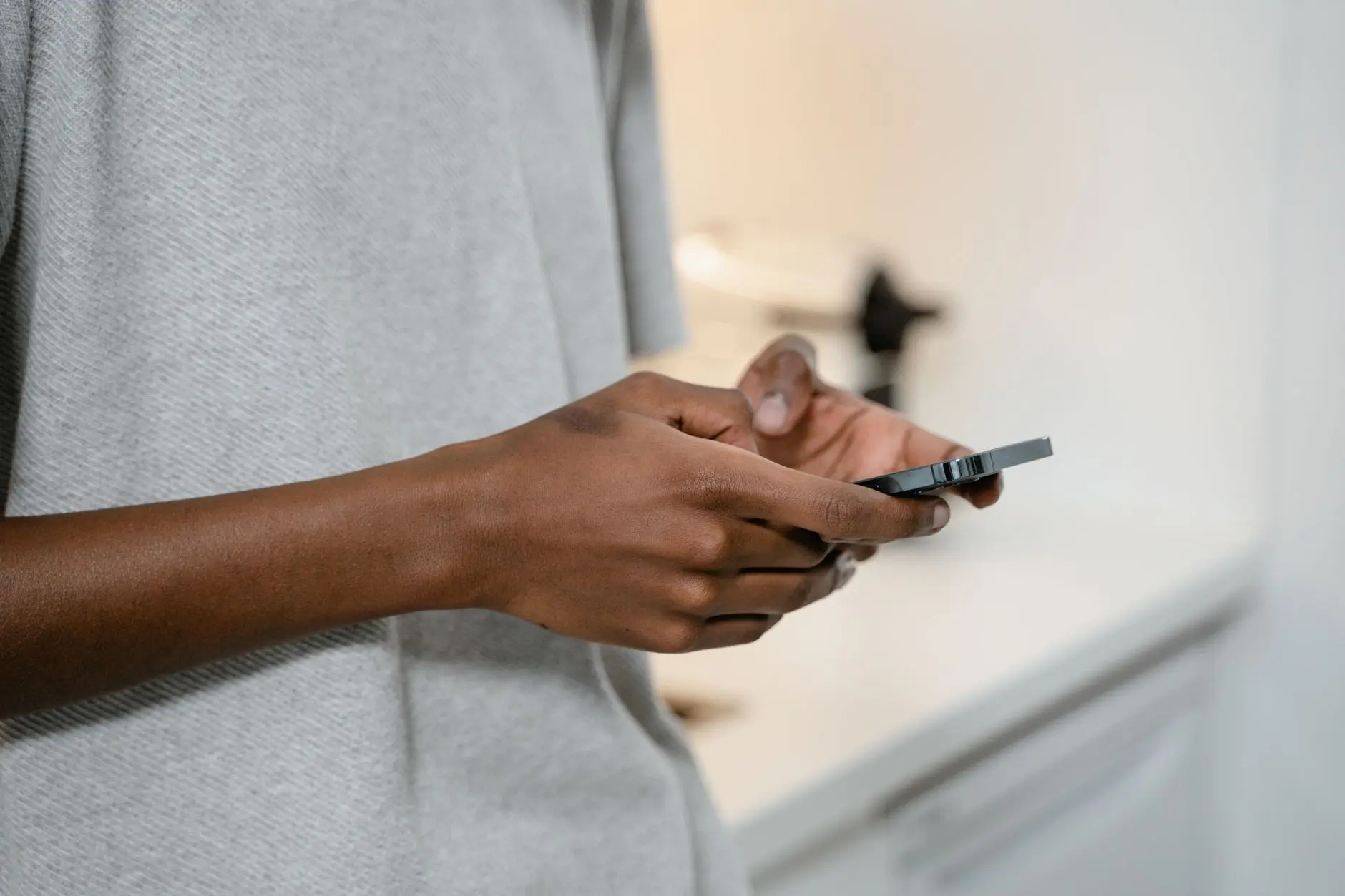
Over two billion people rely on WhatsApp to message friends, manage family logistics, and conduct daily business. Because the platform secures text and call content with default end-to-end encryption via the Signal Protocol, many assume their interactions are completely shielded from harm. Yet criminal syndicates, identity thieves, and corporate monitoring tools rarely attempt to break algorithmic encryption directly. Instead, they exploit configuration errors, unencrypted cloud backups, and human psychology. To stay secure, everyday digital users know WhatsApp safety depends far more on personal vigilance and platform settings than on encryption math alone.
Understanding where end-to-end encryption stops and personal responsibility begins is the key to managing real-world exposure. From social engineering schemes to unmonitored group invitations, blind spots leave accounts vulnerable to takeover within minutes.
The Core Realities Everyday Digital Users Know About WhatsApp Safety
While messages are unreadable to Meta while in transit, account security operates on several interconnected layers. The platform processes and stores operational metadata, including timestamps, group memberships, phone numbers, and profile photos. Furthermore, once a message reaches a recipient device, encryption cannot stop that recipient from screenshotting, forwarding, or accidentally syncing that content to an insecure cloud repository.
Security researcher Matthew Green, a cryptographer at Johns Hopkins University, has noted:
End-to-end encryption is a critical tool for human rights and privacy, but it protects content in motion; it cannot protect an endpoint that has been compromised or tricked into sharing its keys.
For this reason, regular users must recognize that data safety requires intentional configuration. When everyday digital users know WhatsApp safety rules, they treat message storage, linked devices, and account credentials with the same caution given to banking passwords.
Common Attack Vectors Compromising WhatsApp Accounts
Attackers targeting chat applications rely primarily on four widespread attack paths:
- Six-Digit SMS Hijacking: A fraudster registers WhatsApp using a victim phone number, triggering an automated SMS verification code. The attacker then poses as a friend or family member whose account was already compromised, asking the victim to send over the code under false pretenses.
- Malicious Web and Desktop Sessions: Using phishing links that mimic legitimate QR code pairing screens, attackers trick users into pairing their accounts with unauthorized remote browsers.
- Unencrypted Cloud Backups: Although chat histories on the device remain scrambled, default backups exported to Apple iCloud or Google Drive historically sat unencrypted at rest, leaving them subject to cloud provider subpoenas or cloud credential leaks.
- Vishing and Voicemail Infiltration: Criminals prompt registration late at night, letting the SMS fail and requesting verification via phone call. If the victim has an unconfigured default voicemail PIN, attackers access the recording remotely to retrieve the spoken verification code.
For more insights into modern social engineering methodologies, review our detailed guide to common online fraud tactics.
Essential Security Settings: What Everyday Digital Users Must Configure
Securing an account does not require complex software development skills. Built-in features eliminate over ninety percent of opportunistic intrusion attempts when properly deployed.
| Security Feature | Default Status | Recommended Action | Protection Value |
|---|---|---|---|
| Two-Step Verification | Disabled | Enable with custom 6-digit PIN and verified email | Blocks unauthorized SIM swaps and SMS takeover attempts |
| End-to-End Encrypted Backups | Disabled | Activate with 64-digit key or password | Protects message archives stored on Apple iCloud or Google Drive |
| Silence Unknown Callers | Disabled | Toggle on in Privacy settings | Mitigates zero-click exploits and spam interruptions |
| Group Add Permissions | Everyone | Change to My Contacts Except… | Prevents forced enrollment into crypto scam channels |
| Disappearing Messages | Off | Set to 24 hours or 7 days for sensitive chats | Reduces legacy data trail on compromised recipient phones |
To implement encrypted cloud storage correctly, consult the official WhatsApp end-to-end encrypted backup guide to verify that your archive cannot be decrypted by third-party cloud hosts or law enforcement warrants directed at cloud providers.
Real-Life Scenario: The Family Emergency Transfer Scheme
Consider the case of an office manager named Sarah. Sarah received a WhatsApp message from her sister’s genuine profile photo and telephone number stating that her phone was damaged and that she urgently needed a four-digit emergency transfer to cover an overdue medical bill. Because the conversation occurred within an existing thread, Sarah almost sent the funds immediately.
Fortunately, Sarah recalled a fundamental verification rule: when money or credentials are requested on an encrypted chat platform, establish direct voice confirmation over a separate network or regular cellular call. Upon ringing her sister directly, she discovered her sister’s account had been hijacked earlier that afternoon through an SMS pass-along scam. By pausing and verifying offline, Sarah prevented financial theft.
Understanding account protection extends beyond messaging apps to include wider identity authentication controls and systematic device hygiene.
Actionable Checklist: Hardening Your WhatsApp Privacy
Follow this checklist to verify your current security baseline across all linked hardware:
- Audit Linked Devices Regularly: Open Settings, tap Linked Devices, and log out of any web browser, tablet, or desktop client that you do not actively recognize.
- Turn On Two-Step Verification: Create a memorable six-digit PIN. Avoid birth dates, repeating numbers, or sequential digits. Link an active recovery email address to prevent lockouts.
- Restrict Profile Information Visibility: Configure Profile Photo, About, Status, and Last Seen visibility to ‘My Contacts’ rather than ‘Everyone’. This limits open-source intelligence gathering by threat actors.
- Review App Permissions: On your smartphone operating system, limit WhatsApp access to location data to ‘Only While Using the App’ or disable it entirely, and grant limited access to your photo library.
- Activate Biometric App Lock: Enable Face ID or fingerprint scanning inside the application settings to block physical access if your unlocked phone is picked up by an unauthorized party.
Implementing these practical routines aligns your personal habits with standard principles of responsible data stewardship.
Frequently Asked Questions
Can someone read my WhatsApp messages without my physical phone?
No, not unless they have successfully linked an active web or desktop session to your account, obtained an unencrypted cloud backup, or installed spyware on your physical device. Active end-to-end encryption prevents interception over public Wi-Fi networks.
What should I do immediately if my WhatsApp account is stolen?
Log back into WhatsApp using your phone number and verify the six-digit code sent via SMS. Entering this code automatically signs out the intruder. If the attacker configured two-step verification after hijacking your profile, you may need to wait seven days for the PIN to reset without an email address.
Does WhatsApp store my contacts and personal data?
WhatsApp uploads contact phone numbers to confirm who in your address book uses the app, although the platform utilizes cryptographic hashing to minimize plain-text storage. However, profile data, group affiliations, and communication frequency metadata remain accessible to Meta under its privacy policy terms.
Conclusion: Taking Ownership of Messaging Safety
End-to-end encryption provides an indispensable defense against mass surveillance, but it does not replace common-sense threat modeling. As social engineering tactics grow more sophisticated, everyday digital users know WhatsApp safety requires deliberate action, regular device audits, and consistent verification before trusting urgent communications. By taking ten minutes to activate two-step verification, secure cloud archives, and restrict public metadata, you transform an easy target into a resilient communication environment.
















Leave a Reply