

The Privacy Checklist Before Selling a Used iPhone in Nigeria

Share
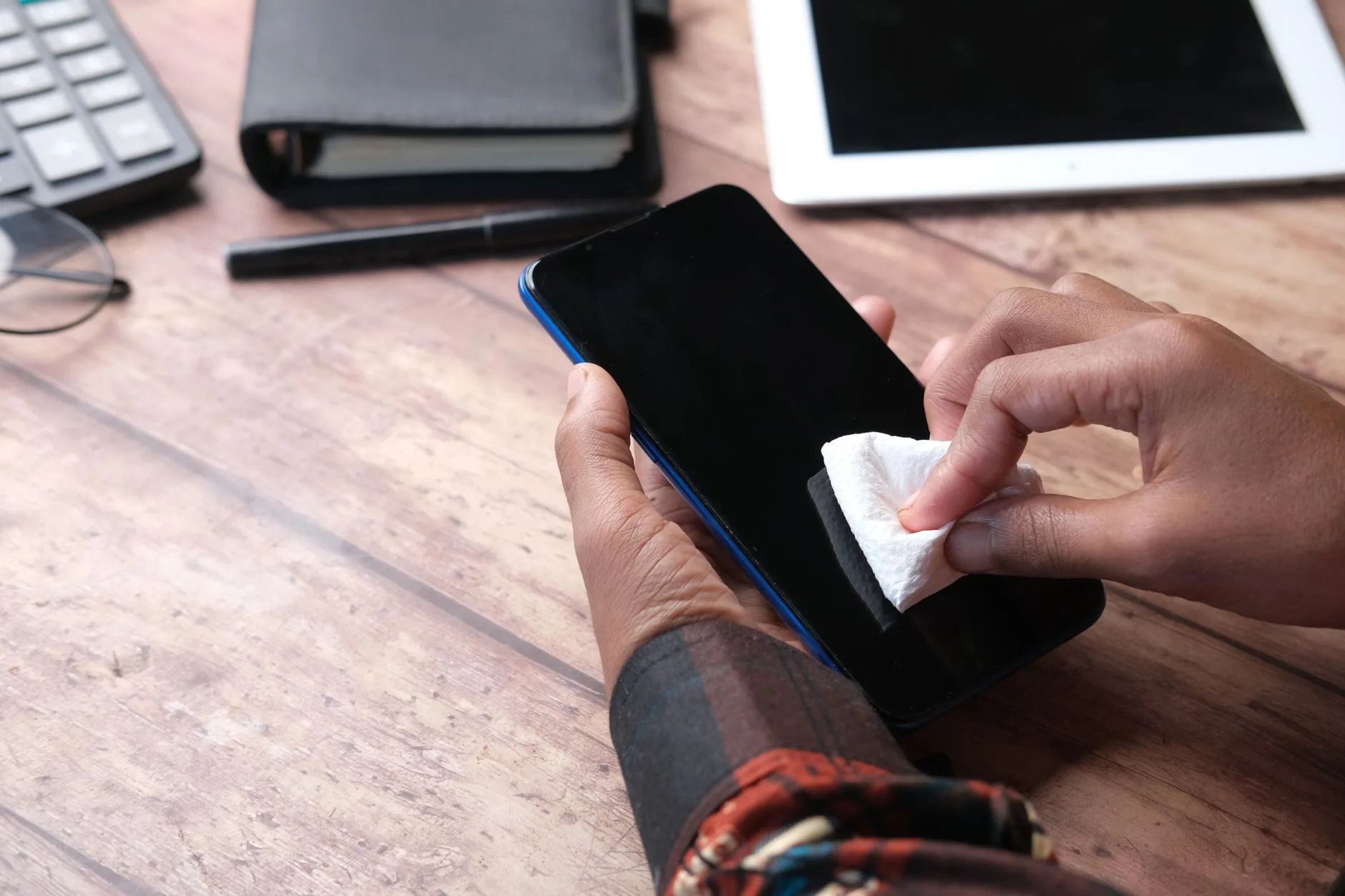
In Nigeria’s vibrant digital marketplaces, from the bustling stalls of Computer Village in Lagos to online platforms connecting buyers and sellers across the nation, used iPhones change hands daily. While upgrading to the latest model is exciting, the seemingly simple act of selling your old device carries significant, often overlooked, privacy risks. Without proper precautions, your old iPhone can become a digital Achilles’ heel, exposing your most sensitive personal data to unintended recipients.
Many Nigerians mistakenly believe that simply deleting photos and uninstalling apps is enough to safeguard their information. This common oversight can lead to disastrous consequences, ranging from identity theft and financial fraud to reputational damage and blackmail. Understanding the nuances of data wiping is not just for tech experts; it’s a critical skill for every digital citizen.
The Real-World Scenario: A Student’s Costly Mistake
Consider the case of Aisha, a university student in Abuja, who decided to sell her iPhone 8 to finance a new laptop for her final year project. Eager for a quick sale, she deleted her personal photos, uninstalled her banking apps, and handed the phone over after a brief ‘reset’ she found on YouTube. A few weeks later, she discovered suspicious activity: her old phone number, still linked to several online services, was used to reset passwords. Her university portal access was compromised, and minor sums were withdrawn from a forgotten e-wallet application she had linked to her old device.
Aisha’s experience is not unique. A 2017 study by the University of Hertfordshire found that 48% of used smartphones sold online still contained recoverable personal data, a stark reminder that simple deletion isn’t truly deletion. For Aisha, the stakes were high: her academic future, financial security, and digital identity were all at risk because of an incomplete data wipe.
What Could Go Wrong? The Human Stakes
The data left on a poorly wiped iPhone can be a goldmine for malicious actors. Here’s what’s truly at stake:
- Identity Theft: Names, addresses, dates of birth, social security (NIN) or national ID details, and even biometric data can often be recovered, paving the way for full-blown identity theft.
- Financial Fraud: Stored banking app credentials, payment card details, e-wallet information, or even photos of financial documents can lead to direct monetary loss.
- Reputational Damage: Private photos, messages, or sensitive information shared on social media apps (even deleted ones) can be retrieved and used for blackmail or public embarrassment.
- Access to Sensitive Accounts: Emails, social media, cloud storage, and even government portals often remain logged in or easily accessible through residual data, giving criminals a backdoor into your digital life.
- Corporate Data Exposure: For professionals, an old phone might contain work emails, confidential documents, or access to company networks. This could trigger a corporate data breach, leading to regulatory fines under the Nigeria Data Protection Act (NDPA) and severe reputational damage for your employer. This also highlights the importance of robust compliance programs within organisations regarding employee devices.
"In an era where personal data is the new currency, every device we own is a potential goldmine for malicious actors," warns Eva Galperin, Director of Cybersecurity at the Electronic Frontier Foundation (EFF). "Ensuring devices are properly wiped before resale isn’t just good practice; it’s a critical layer of self-defense against identity theft and fraud."
The Essential Privacy Checklist Before Selling a Used iPhone in Nigeria
Before you list your iPhone for sale, follow this critical data protection checklist meticulously:
1. Back Up Your iPhone
This is your first and most crucial step. Use iCloud, your computer (Mac or PC), or a reputable cloud service to back up all your photos, videos, contacts, messages, app data, and settings. Ensure the backup is complete and accessible on your new device or storage. Without a backup, everything will be lost after wiping.
2. Sign Out of All Accounts
This goes beyond simply uninstalling apps. You need to explicitly sign out of:
- iCloud: Go to Settings > [Your Name] > Scroll down and tap ‘Sign Out’. You will be asked for your Apple ID password.
- iTunes & App Store: Still in Settings > [Your Name] > Media & Purchases > Sign Out.
- All Social Media & Email Apps: Manually sign out from within each application.
- Banking & E-Wallet Apps: Crucially, sign out of all financial applications and remove any stored card details.
- Other Cloud Services: OneDrive, Google Drive, Dropbox, etc.
3. Unpair All Connected Devices
If you use an Apple Watch, AirPods, or other Bluetooth accessories, unpair them from your iPhone. For an Apple Watch, unpair it through the Apple Watch app on your iPhone. This helps sever any lingering connections.
4. Turn Off Find My iPhone and Activation Lock
This is vital. If Find My iPhone (and by extension, Activation Lock) remains active, the phone will be locked to your Apple ID, rendering it unusable for the new owner. To turn it off, go to Settings > [Your Name] > Find My > Find My iPhone > Toggle off. You’ll need your Apple ID password.
5. Erase All Content and Settings (Factory Reset)
This is the most critical step for data wiping. This process securely deletes all your data and restores the iPhone to its factory settings. This is not the same as merely deleting files. To do this:
- Go to Settings > General > Transfer or Reset iPhone.
- Tap ‘Erase All Content and Settings’.
- Enter your passcode and Apple ID password to confirm.
The iPhone will restart, and you’ll see the ‘Hello’ screen, indicating it’s ready for a new user.
6. Remove Your SIM Card
A seemingly obvious but often forgotten step. Ensure your physical SIM card is removed from the iPhone before handing it over. Your SIM contains your phone number and potentially contacts, which are valuable pieces of personal information.
7. Physical Inspection and Documentation
Once wiped, do a quick physical inspection to ensure no personal items like a forgotten memory card (though iPhones don’t typically have them, other devices might) or case components are left. If selling online, consider taking a photo or video of the iPhone on the ‘Hello’ screen as proof of a successful wipe.
Summary of Key Actions
Here’s a quick overview of the essential steps:
| Action | Why it’s Crucial |
|---|---|
| Backup Data | Preserve memories, contacts, apps, settings for your new device. |
| Sign Out of Accounts | Prevents unauthorised access to iCloud, Google, social media, banking, etc. |
| Unpair Devices | Removes lingering connections to Apple Watch, AirPods, etc. |
| Disable Find My/Activation Lock | Prevents the phone from being locked to your Apple ID, making it usable for the buyer. |
| Erase All Content & Settings | A complete factory reset is the only way to sever all ties and wipe data securely. |
| Remove SIM Card | Ensures no physical carriers of your phone number or contacts are left behind. |
Conclusion: Protecting Your Digital Self
The allure of a new iPhone is understandable, but the responsibility of securely preparing your old device is paramount. For individuals like Aisha, failing to follow a thorough checklist selling used iPhone in Nigeria can turn an exciting upgrade into a devastating privacy nightmare. As our lives become increasingly digital, every device we own is a repository of our personal story. Taking a few extra minutes to properly wipe your old iPhone isn’t just a technicality; it’s a fundamental act of self-protection against the growing threats of identity theft and data exploitation. Prioritise your privacy and ensure your digital past doesn’t haunt your future.