



How to Help a Parent Secure WhatsApp Without Reading Their Chats

Share
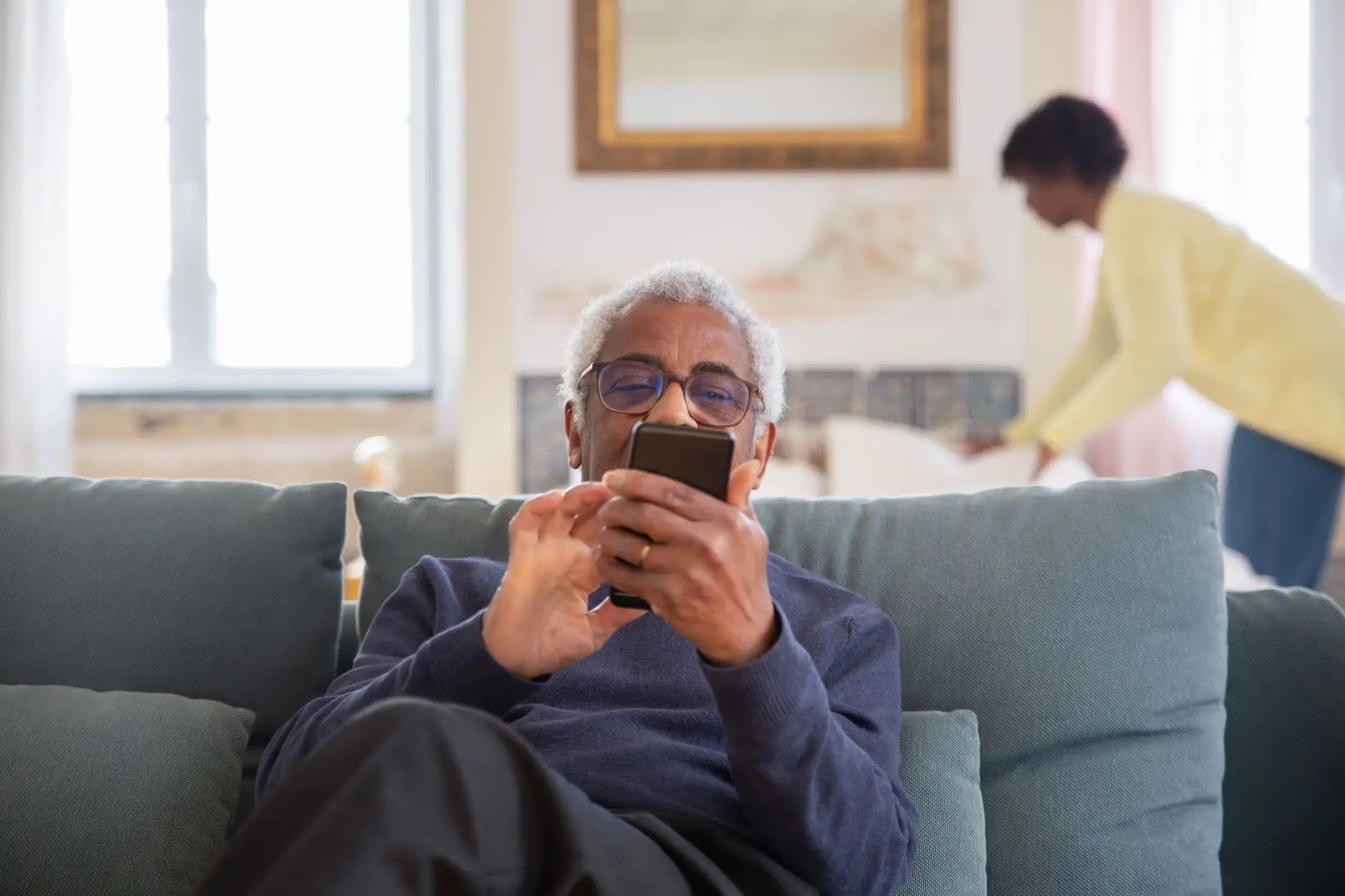
In many Nigerian households, the family WhatsApp group serves as the digital equivalent of a Sunday afternoon living room gathering. It is where birthdays are celebrated, news is shared, and family decisions are made. However, for older generations, this vital connection point is also a significant vulnerability. Scammers increasingly use social engineering—impersonating relatives or bank officials—to target the elderly via WhatsApp.
For many adult children, a dilemma arises: how do you protect your aging parents from these sophisticated digital threats without becoming an intrusive presence in their lives? Many feel that the only way to ensure safety is to monitor their messages, but this undermines the very data protection and personal autonomy that privacy advocates strive for. You can actually help a parent secure WhatsApp without ever seeing a single private conversation. The key is to focus on account hardening and behavioral training rather than surveillance.
Understanding the Risk: Why WhatsApp is a Target
The primary threat to elderly WhatsApp users is not necessarily a technical “hack” of the encryption itself, but rather the hijacking of the account or the manipulation of the user. Common tactics include:
- Account Takeover: Scammers trick users into sharing a six-digit registration code, allowing the attacker to log into the parent’s account on another device.
- The “Emergency” Scam: A message appearing to come from a child or grandchild claiming they are in trouble and need immediate money transfer via a link or bank app.
- Fake Investment Groups: Scammers add unsuspecting parents to groups promising high returns on crypto or forex trading.
By focusing on the settings that prevent these scenarios, you provide a shield that protects their finances and identity without needing to read their personal correspondence.
Practical Steps to Help a Parent Secure WhatsApp Without Reading Their Chats
To secure an account effectively, you should focus on the technical configuration of the app. You can do this by sitting with them and walking them through the menus, or by helping them set it up during a routine device check-up.
1. Enable Two-Step Verification (2FA)
This is the single most important step. Two-step verification adds a layer of security by requiring a custom PIN when resetting or verifying your WhatsApp account. Even if a scammer manages to steal the SMS verification code, they cannot access the account without this PIN.
How to do it: Go to Settings > Account > Two-step verification > Enable. Instruct your parent to write this PIN down and keep it in a safe, physical location, like a wallet or a drawer, rather than in a digital note that could be hacked.
2. Configure Privacy Settings
You can help your parent control who sees their information, which reduces the “surface area” available to scammers. If a scammer sees a profile picture and a “last seen” status, they can better craft a convincing lie.
- Profile Photo: Set to “My Contacts” only.
- Last Seen & Online: Set to “My Contacts” or “Nobody.”
- Groups: Change this to “My Contacts.” This prevents random strangers from adding your parent to suspicious investment or scam groups.
3. Enable Security Notifications
WhatsApp has a feature that notifies users when a contact’s security code changes. While this sounds technical, it is a vital signal. If a contact’s code changes unexpectedly, it could mean their account has been compromised. Teaching a parent to ask, “Did you just get a new phone?” before clicking any link from that contact is a vital habit.
4. Implement Device-Level Biometrics
WhatsApp allows users to lock the app itself using FaceID, TouchID, or a fingerprint. This ensures that even if a phone is borrowed or momentarily misplaced, the WhatsApp chats remain inaccessible. This is a component of broader compliance with digital safety best practices.
Security Comparison: Before vs. After Hardening
| Feature | Risk if Unsecured | Benefit of Hardening |
|---|---|---|
| Two-Step Verification | Account can be hijacked via SMS interception. | Requires a secret PIN to access the account. |
| Group Permissions | Strangers can add parents to scam groups. | Only trusted contacts can add them to groups. |
| Profile Visibility | Scammers can verify the user is active. | Reduces social engineering opportunities. |
| App Lock | Anyone with the phone can read messages. | Requires biometrics to open the app. |
A Real-Life Scenario: The “Urgent Help” Near Miss
Consider the case of Mrs. Adebayo, a retired teacher in Lagos. One afternoon, she received a WhatsApp message from a number that looked familiar, claiming to be her son. The message read: “Mom, I’ve lost my phone and I’m at the station. I need 50,000 Naira urgently for a taxi. Please send it to this account immediately.”
Because her son had previously enabled Two-Step Verification and had restricted his Profile Photo to “My Contacts,” the scammer had actually failed to impersonate him perfectly. Mrs. Adebayo noticed the profile picture was a generic landscape instead of her son’s face. Instead of panicking, she followed the rule her daughter taught her: “If it sounds urgent and asks for money, call the person on their regular number first.” This simple habit, combined with the technical settings, saved her from a significant financial loss.
“Digital hygiene is a form of care, not surveillance. When we teach our elders how to use security features, we are empowering them to navigate the digital world with confidence rather than fear.” — Digital Safety Researcher
How to Teach “Digital Skepticism”
Technical settings are only half the battle. The other half is training the user to recognize the psychology of a scam. You can help a parent develop this without reading their chats by discussing common patterns:
- The Urgency Trap: If a message demands immediate action or money, it is almost certainly a scam.
- The Unsolicited Link: Never click a link sent via WhatsApp, even from a known contact, unless you have verified the request through a different channel (like a voice call).
- The Stranger in the Group: If they are suddenly in a group with people they don’t know, they should leave the group immediately and report it.
For more detailed information on how WhatsApp protects your data, you can visit the official WhatsApp Security page.
Frequently Asked Questions
What if my parent forgets their Two-Step Verification PIN?
If they have linked an email address, they can reset the PIN via email. If they didn’t, they may have to wait seven days to reset the account, which is a significant inconvenience but a necessary security measure to prevent unauthorized access.
Will these settings stop all scams?
No. No setting can stop 100% of social engineering. These steps are designed to prevent account hijacking and reduce the visibility that scammers use to target them.
Is it okay to check their phone occasionally?
Respecting privacy is essential for maintaining trust. If you focus on helping them update their software and check their security settings together, you fulfill your role as a protector without becoming a monitor.
Conclusion
Helping a parent navigate the complexities of modern communication does not require you to compromise their privacy. By focusing on the technical pillars of Two-Step Verification, privacy settings, and device security, you provide a robust defense against the most common WhatsApp threats. When you help a parent secure WhatsApp without reading their private messages, you are not just protecting their data; you are respecting their dignity and fostering a safer, more confident digital life for them.














Leave a Reply