


Microsoft Tests Remote Lock Feature to Secure Lost Windows 11 Devices

Share
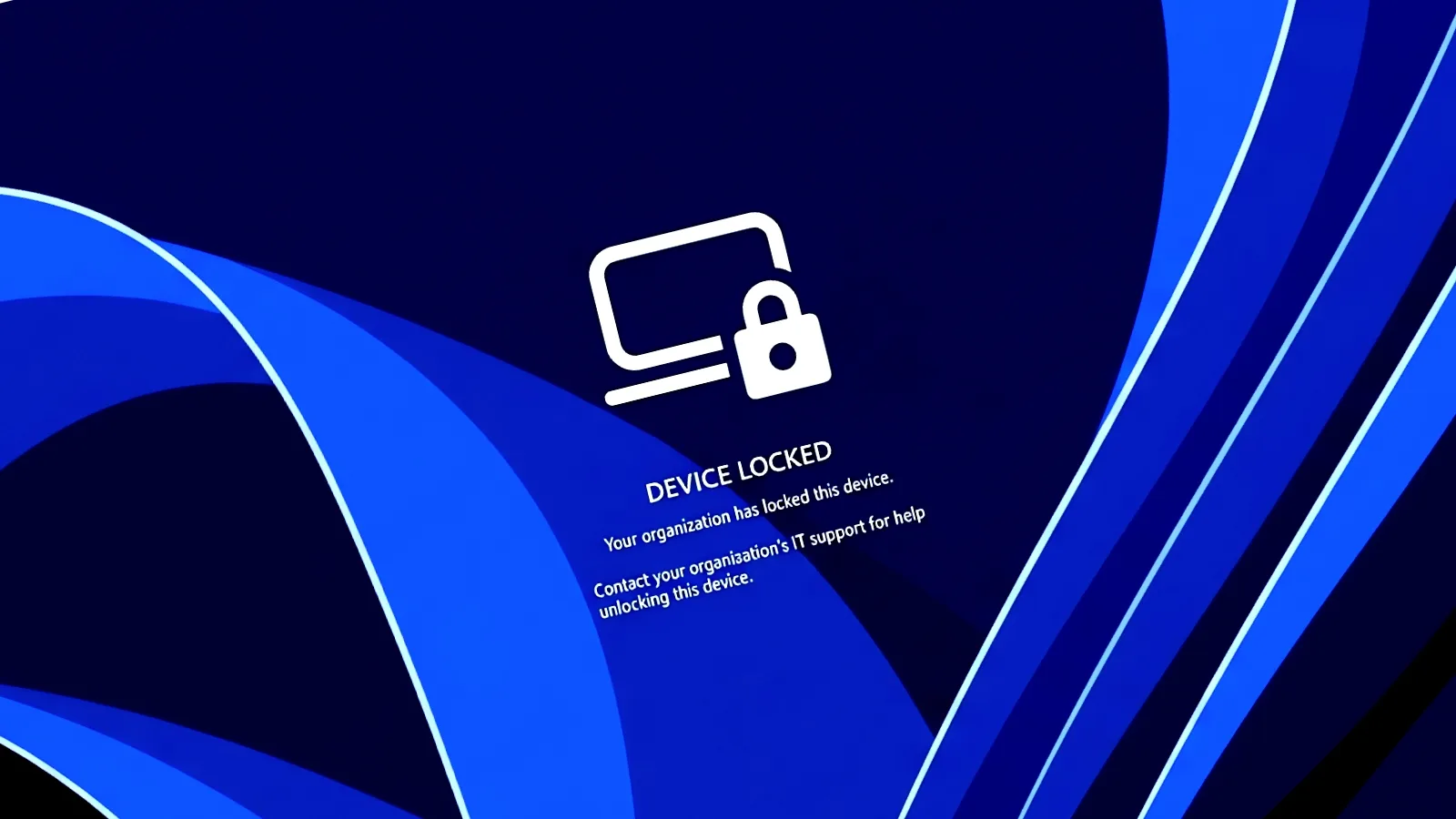
Microsoft has begun testing a new security feature called Remote Lock, designed to help enterprise IT administrators secure lost or stolen Windows 11 devices without resorting to a full data wipe.
The feature is currently being trialled in Windows 11 Insider Preview builds within the Beta (Build 26320.10003) and Experimental (Build 26340.10013) channels. Remote Lock allows organisations to prevent unauthorised access to a device while maintaining its management state and preserving local data.
Administrators can trigger the lock through the Microsoft Intune admin centre. The capability applies to Microsoft Entra-joined, hybrid-joined, or MDM-enrolled devices running Windows Enterprise, Education, or Pro editions.
How Remote Lock Secures Managed Devices
When an IT department initiates a remote lock, the system signs out all active sessions and hides all standard sign-in options, such as PINs, passwords, and local administrator credentials. The device displays a locked screen that can only be bypassed once an administrator lifts the restriction remotely via Intune.
Stephen Lines, Windows Insider communications lead, explained that the process does not erase any information. The device remains enrolled in management systems, BitLocker encryption stays active, and user data remains intact. The lock persists even if the device is restarted or taken offline, allowing a legitimate user to resume their work once the device is recovered and unlocked.
Microsoft noted that while the device is locked, the user’s credentials remain valid for signing into other authorised devices within the organisation. However, the company advised that BitLocker must remain enabled to protect data in scenarios where a thief might attempt to reimage the machine or remove the drive, as Remote Lock does not block access to the Windows Recovery Environment or booting from external media.
Advanced Security Key Management
Alongside Remote Lock, Microsoft is testing enhanced management features for FIDO2 (Fast Identity Online 2) security keys. These updates allow users to view and manage individual passkeys stored on a hardware security key directly through the Windows settings interface.
For enterprise environments, these tools enable administrators to enforce specific security requirements, such as minimum PIN lengths, mandatory user verification, and enterprise attestation. These developments follow a series of recent privacy updates, including granular controls that allow Windows 11 users to manage which desktop applications can access sensitive hardware like microphones and cameras.
The Remote Lock feature is expected to undergo further testing before a broader rollout to enterprise customers. Organisations using the supported Insider builds can currently configure the feature by creating custom configuration profiles within the Intune portal.














Leave a Reply